
Why Managed Print is More Cost-Efficient Than Desktop Printers
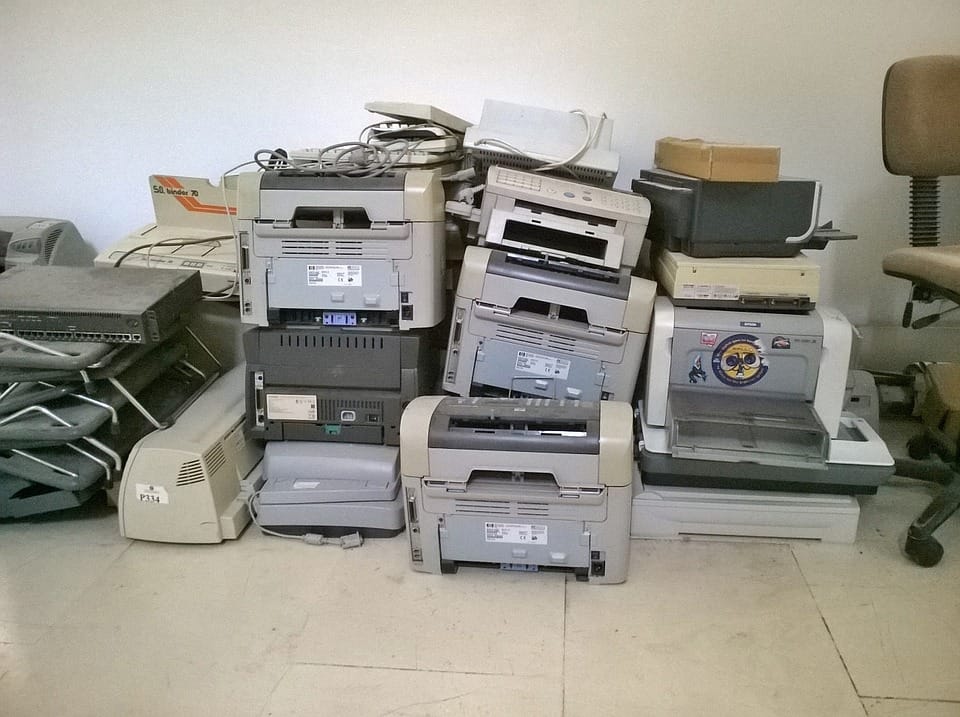
When it comes to printing in the workplace, many businesses default to the same setup: multiple desktop printers scattered across departments, each with its own set of ink or toner cartridges. While this may seem convenient, it’s actually one of the least cost-efficient approaches to printing.
A Managed Print Service (MPS), on the other hand, takes a strategic approach, streamlining devices, automating supply orders, and keeping costs predictable. Here’s why MPS beats desktop printers every time when it comes to efficiency and savings.
1. The True Cost of Ink and Toner
Desktop printers rely on small, brand-specific cartridges that are notoriously expensive compared to high-capacity toners used in managed devices.
Cost per page is significantly higher on desktops, often 3–5x more.
Running out of ink mid-project means paying a premium for rush orders or emergency trips to office supply stores.
With managed print, toner is monitored remotely and replenished automatically, eliminating last-minute panic buying.
2. Consolidation Cuts Down Waste
Multiple desktop printers often mean:
Different cartridge types for each device.
Overstock of some supplies and shortages of others.
Devices sitting idle but still consuming maintenance and electricity.
MPS consolidates your printing into fewer, more efficient machines that serve entire departments. The result? Lower energy use, fewer supplies to manage, and less waste.
3. Predictable, Controlled Costs
With desktop printers, print spending is scattered across departments, ink purchases, service calls, and replacement parts often go unnoticed until they add up.
Managed print rolls everything into one monthly invoice. You’ll know exactly what you’re spending, making budgeting easier and eliminating unexpected costs.
4. Less IT Burden
IT teams waste countless hours troubleshooting desktop printers—fixing jams, updating drivers, or responding to “out of ink” tickets.
Managed print providers handle maintenance, support, and supply replenishment. Your IT staff can get back to projects that actually drive your business forward.
5. Improved Security and Efficiency
Desktop printers are usually unmanaged and unsecured, leaving data vulnerable. MPS devices come with built-in security features and tracking tools. They also enable smarter printing practices like duplex printing or secure release printing which save money and improve workflow.
Multiple desktop printers may look inexpensive up front, but the hidden costs of ink, downtime, and wasted IT hours make them far more expensive in the long run.
By switching to Managed Print Services, businesses can:
Reduce print costs by up to 30%
Gain predictable monthly billing
Save staff time and frustration
Improve security and efficiency
If your office is still relying on desktop printers and ordering ink cartridges every other week, it’s time to rethink your approach. Managed print isn’t just about saving money it’s about working smarter.


